Back to Modules

Purchasing
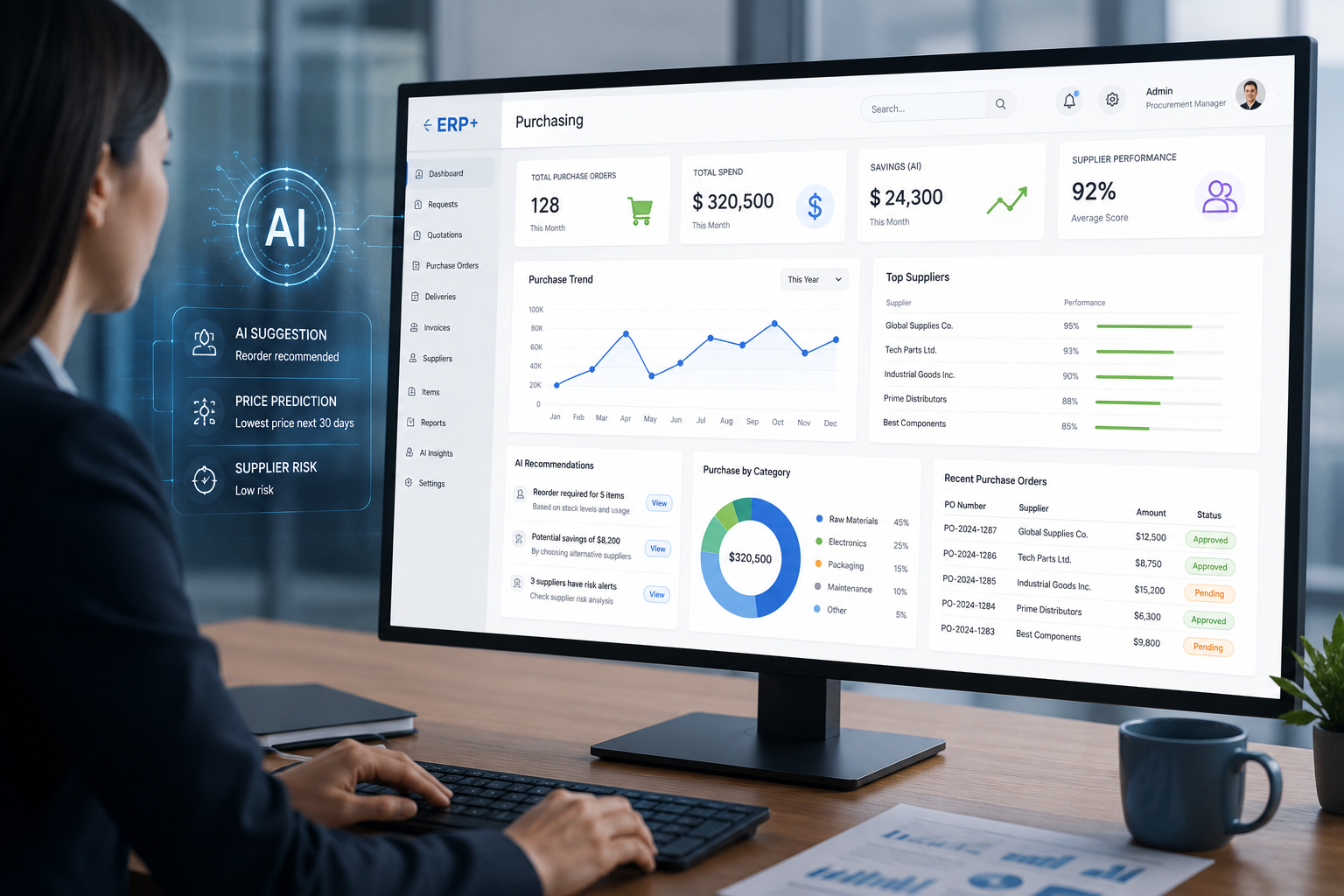
Simplify your procurement cycle with ERP+ Purchasing. Automate vendor quotations, approvals, and order fulfillment while keeping stock levels and financials in sync.
Key Features
Create purchasing ways.
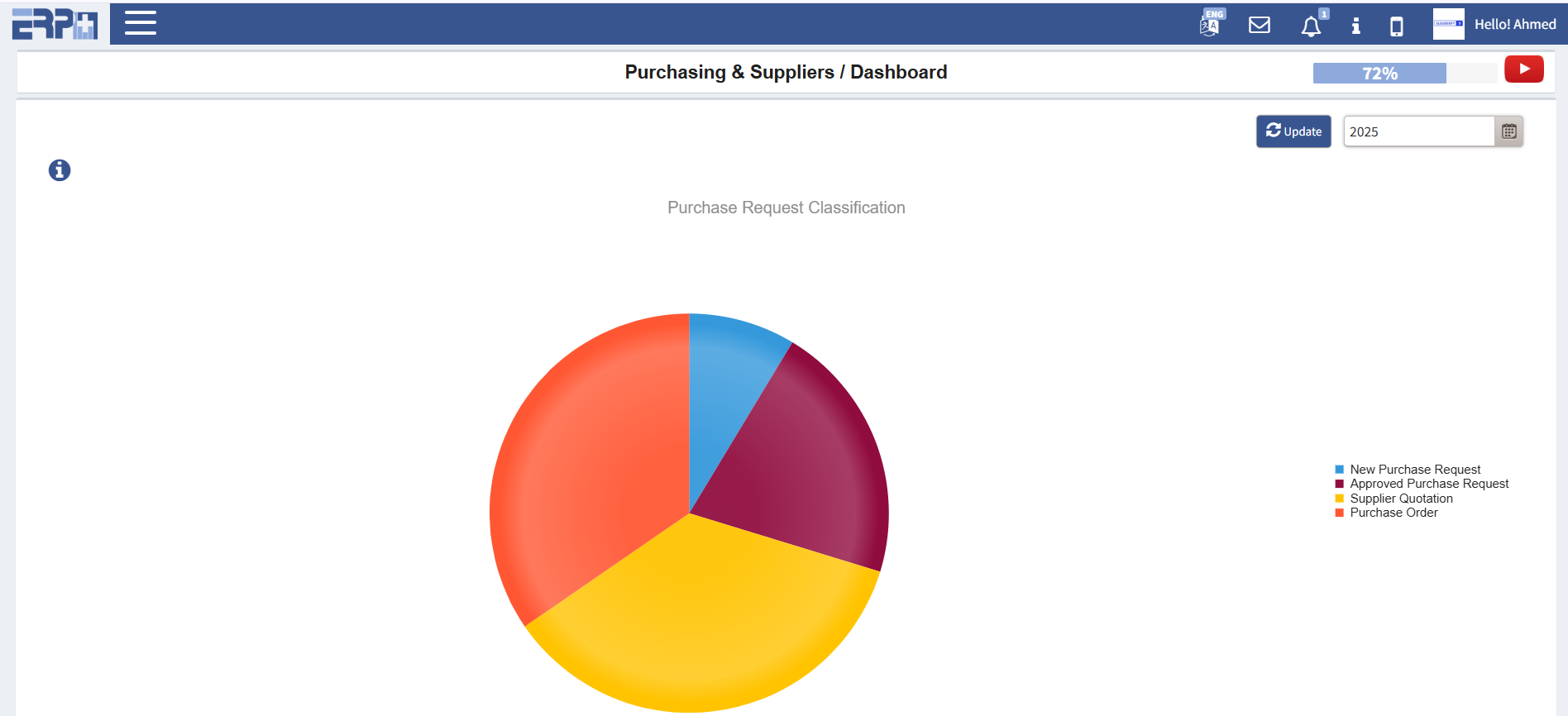
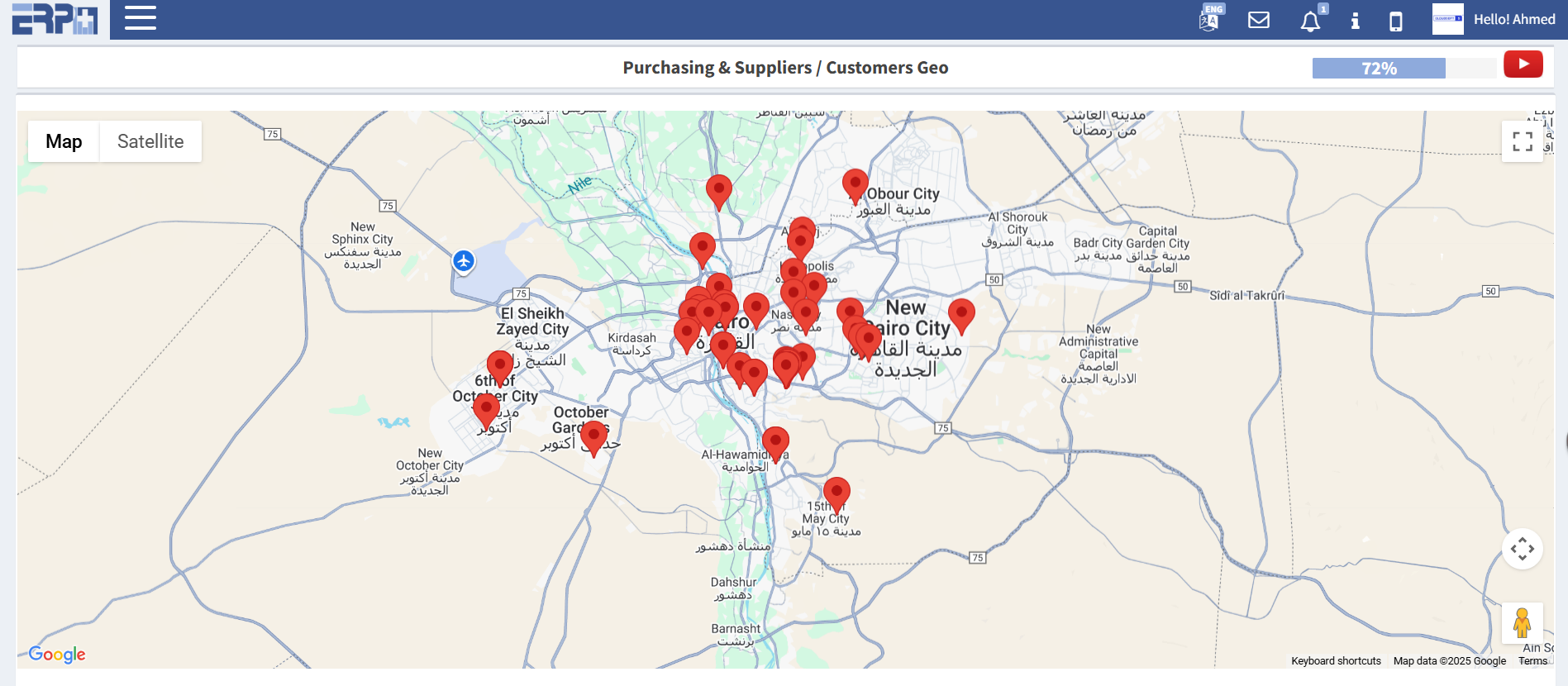
Instant business dashboards and statistics.
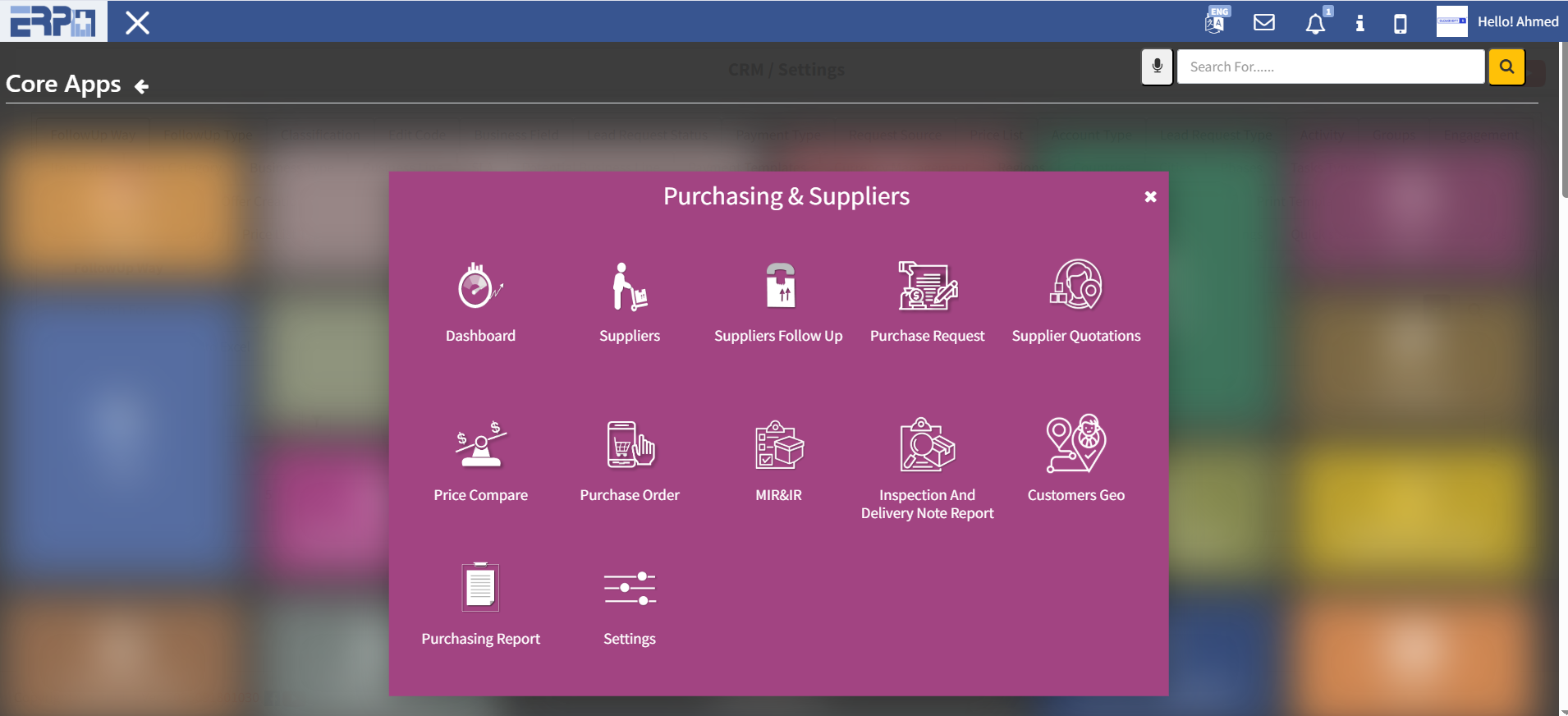
Purchase request, vendor quotations, price comparison, technical evaluation, financial evaluation, approvals, and then finally the purchase order creation process from the supply chain.
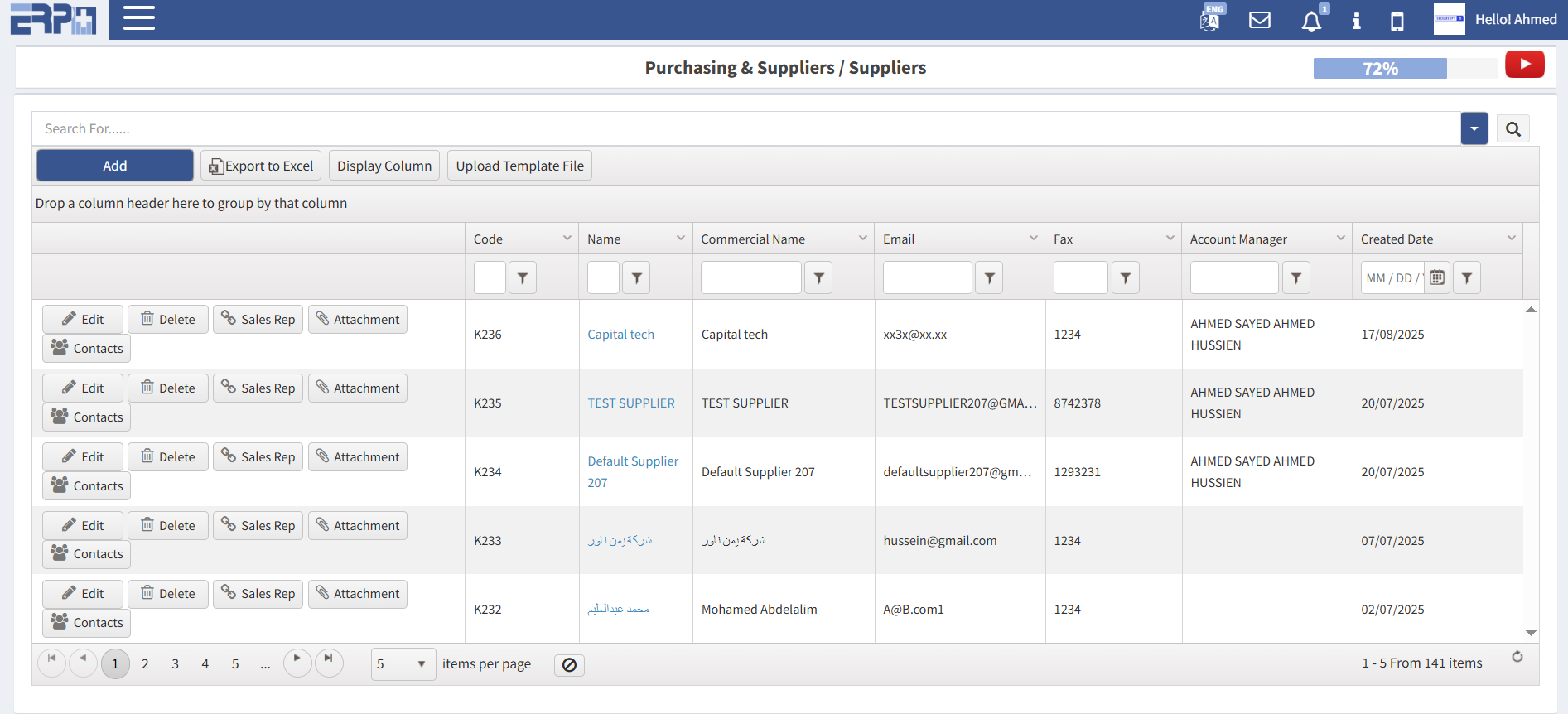
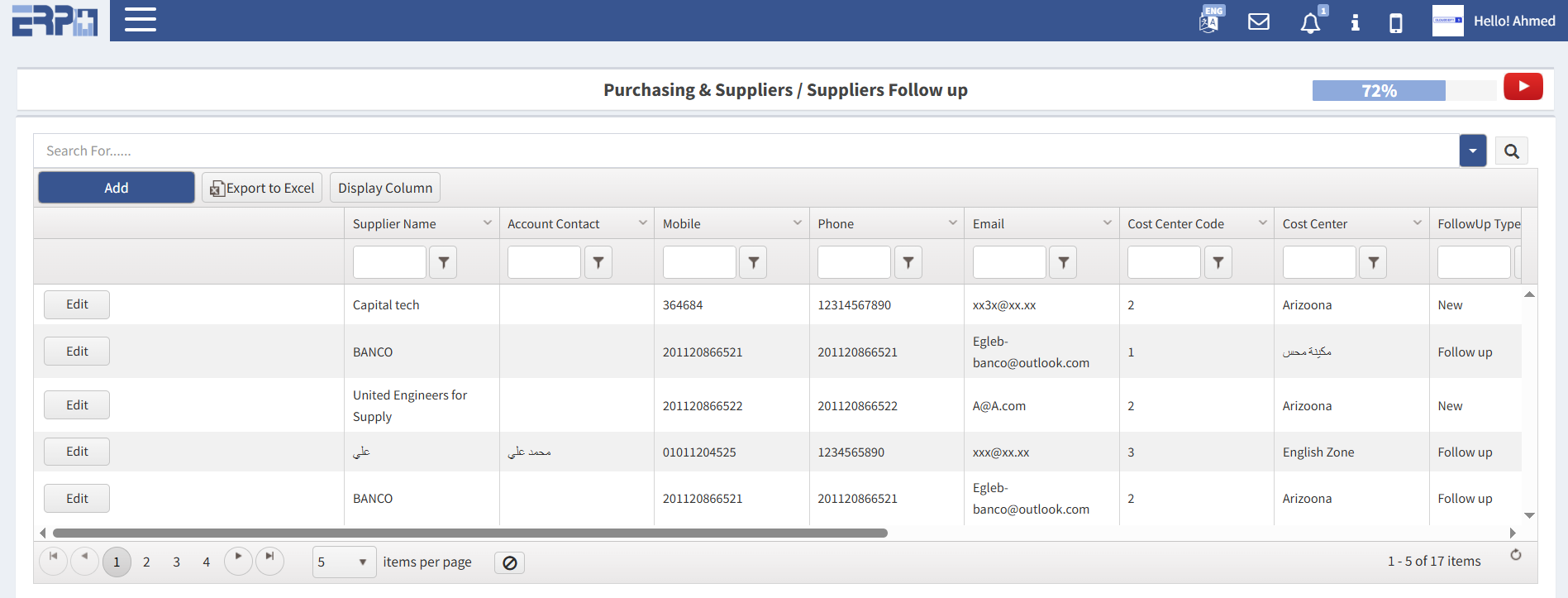
Define suppliers one by one or bulk upload for suppliers’ data.
Create stocks with levels.
Create Inventory Groups for each stock.
Create units of measures and their conversion.
Add Items or bulk upload for items data.
ISO standard predefined steps for the purchasing process.
Create purchase requisition.
Create supplier quotations on purchase requisition.
Evaluate suppliers quotations financial and technical.
Choose suppliers quotations on purchase requisition.
Create purchase order and assign the stock.
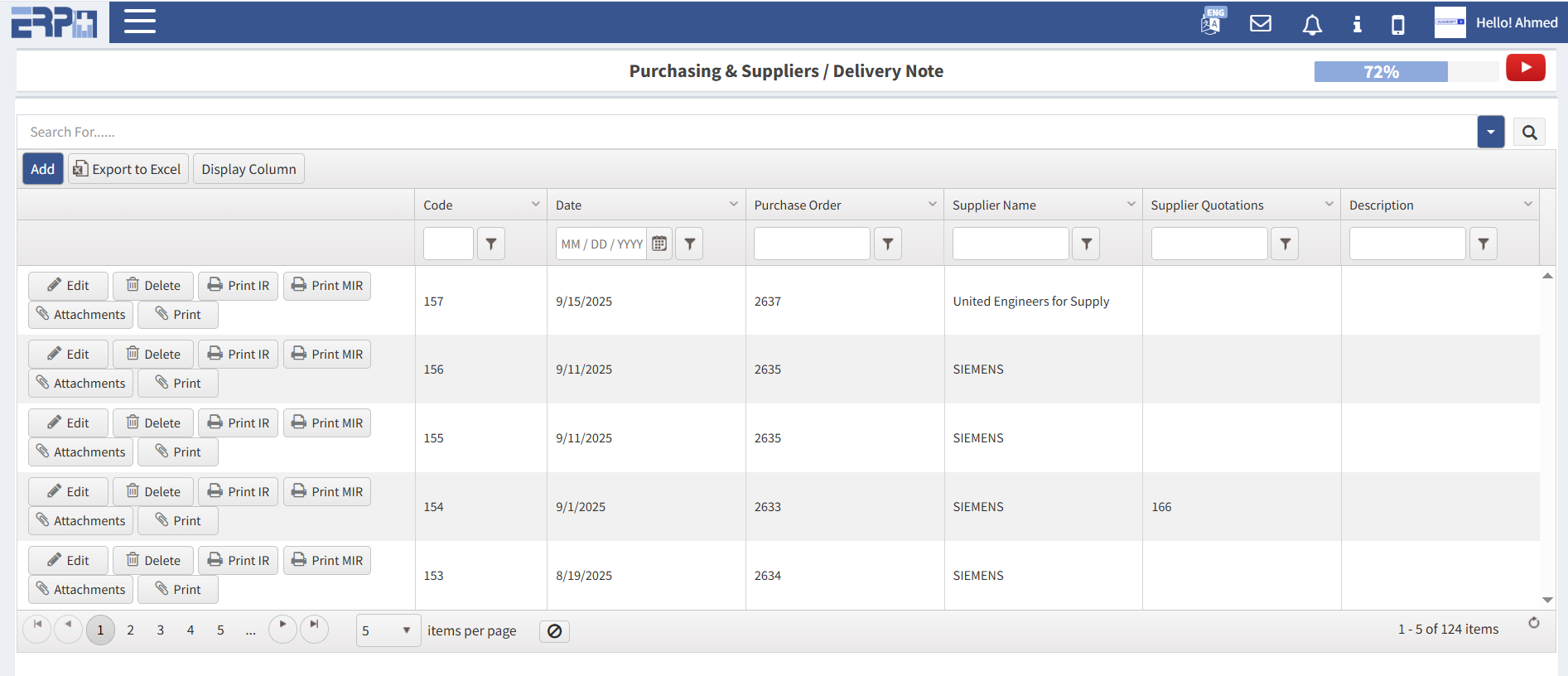
Create delivery note and AP invoice from Purchase Order.
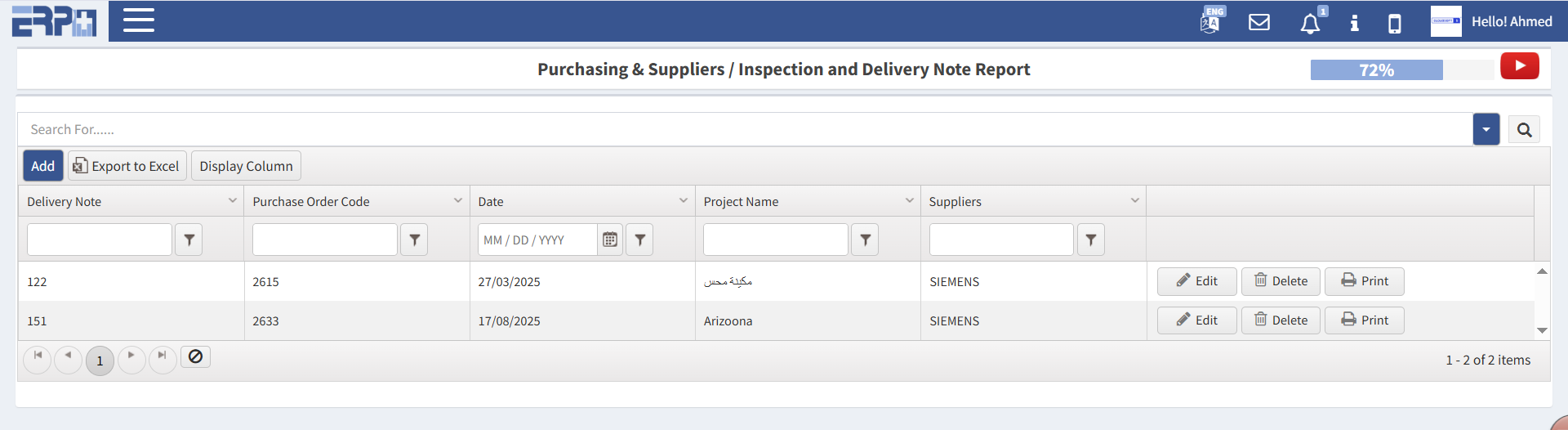
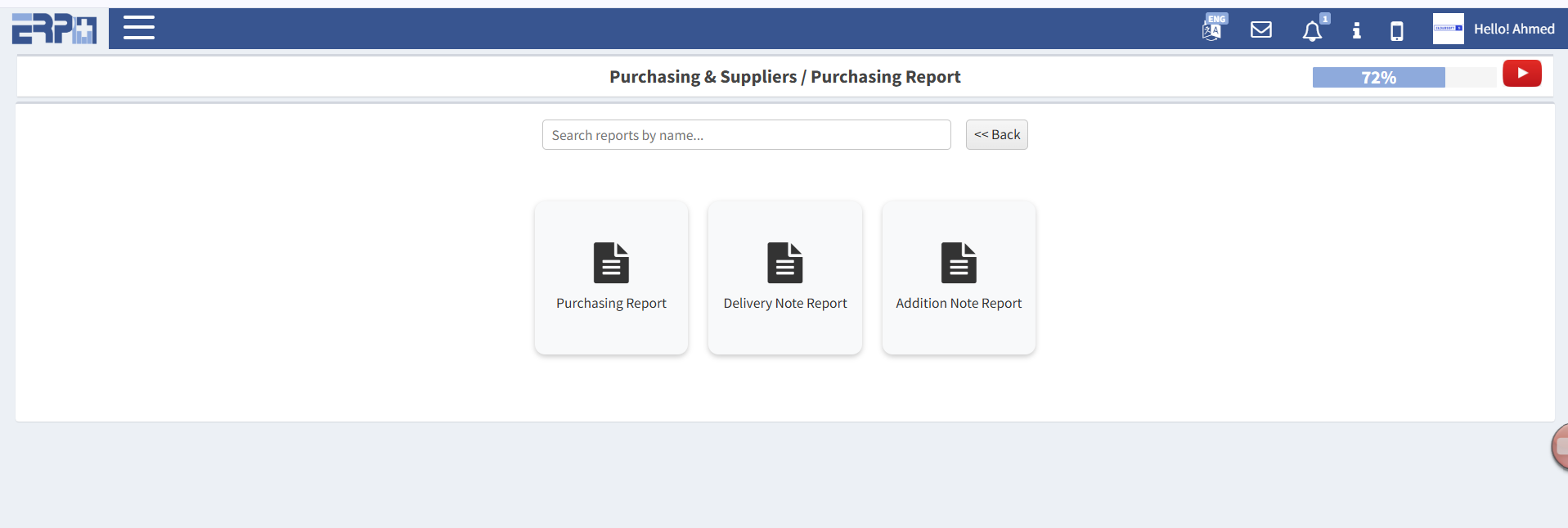
Review all Purchasing Reports.
Self-explanatory system in 10 steps your module it up and running.
asset_faciity
Assets and Facility Management
Track, maintain, and extend the lifecycle of your physical assets with confidence.
The ERP+ Assets & Facility Management Module helps you monitor every asset across locations—covering acquisition, depreciation, maintenance schedules, and warranty tracking. It ensures compliance with safety and operational standards while providing real-time dashboards for asset value and performance. Whether you’re managing buildings, machinery, or IT infrastructure, ERP+ gives you full visibility, timely alerts, and data-driven tools to maximize asset utilization and reduce downtime.
Create purchasing ways.
Instant business dashboards and statistics.
Purchase request, vendor quotations, price comparison, technical evaluation, financial evaluation, approvals, and then finally the purchase order creation process from the supply chain.
Define suppliers one by one or bulk upload for suppliers’ data.
Create stocks with levels.
Create Inventory Groups for each stock.
Create units of measures and their conversion.
Add Items or bulk upload for items data.
ISO standard predefined steps for the purchasing process.
Create purchase requisition.
Create supplier quotations on purchase requisition.
Evaluate suppliers quotations financial and technical.
Choose suppliers quotations on purchase requisition.
Create purchase order and assign the stock.
Create delivery note and AP invoice from Purchase Order.
Review all Purchasing Reports.
Self-explanatory system in 10 steps your module it up and running.
asset_faciity
Assets and Facility Management
Track, maintain, and extend the lifecycle of your physical assets with confidence.
The ERP+ Assets & Facility Management Module helps you monitor every asset across locations—covering acquisition, depreciation, maintenance schedules, and warranty tracking. It ensures compliance with safety and operational standards while providing real-time dashboards for asset value and performance. Whether you’re managing buildings, machinery, or IT infrastructure, ERP+ gives you full visibility, timely alerts, and data-driven tools to maximize asset utilization and reduce downtime.
Create purchasing ways.
Instant business dashboards and statistics.
Purchase request, vendor quotations, price comparison, technical evaluation, financial evaluation, approvals, and then finally the purchase order creation process from the supply chain.
Define suppliers one by one or bulk upload for suppliers’ data.
Create stocks with levels.
Create Inventory Groups for each stock.
Create units of measures and their conversion.
Add Items or bulk upload for items data.
ISO standard predefined steps for the purchasing process.
Create purchase requisition.
Create supplier quotations on purchase requisition.
Evaluate suppliers quotations financial and technical.
Choose suppliers quotations on purchase requisition.
Create purchase order and assign the stock.
Create delivery note and AP invoice from Purchase Order.
Review all Purchasing Reports.
Self-explanatory system in 10 steps your module it up and running.
Video Demo
Module Screenshots