Back to Modules


Work Order
Streamline asset maintenance and workshop repairs with ERP+. Track labor, spare parts, and costs in real-time. Reduce downtime with integrated resource planning.
Key Features
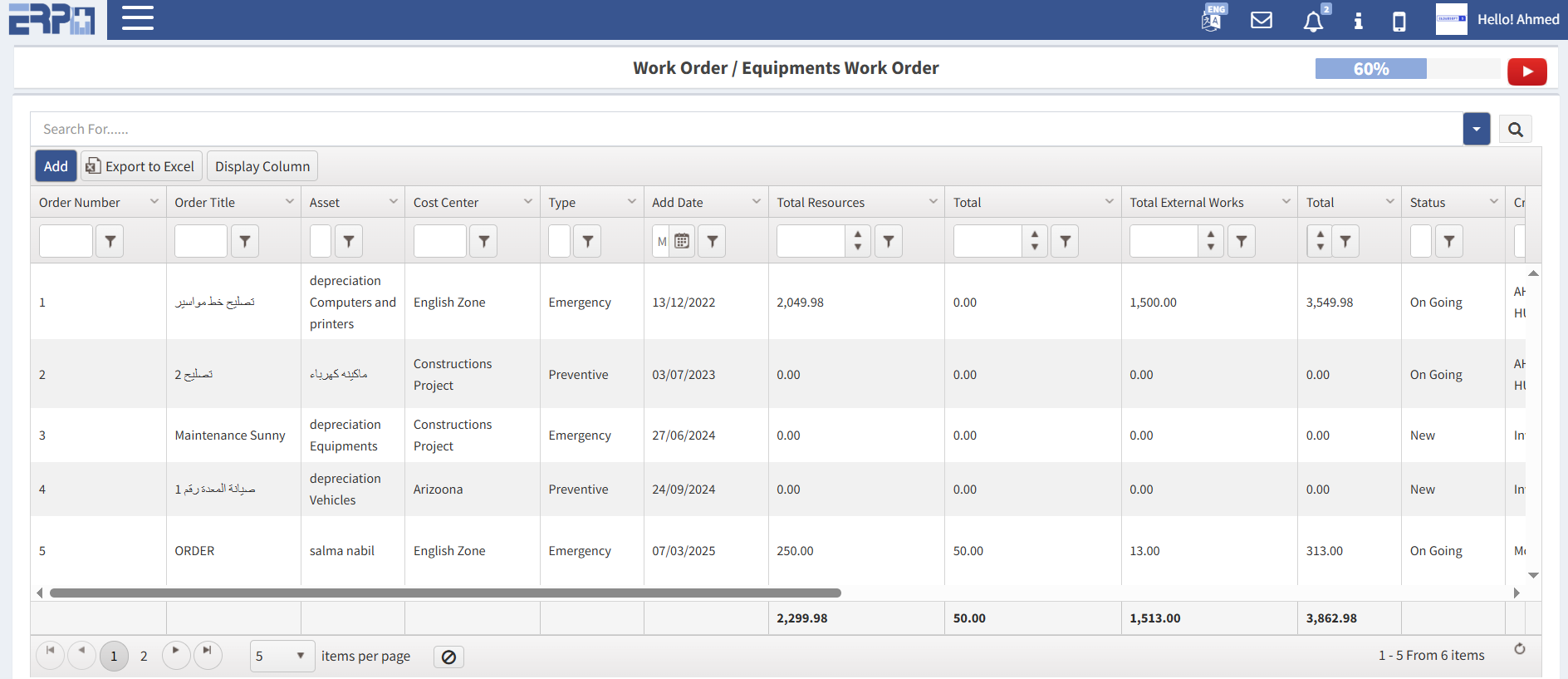
Every work order should have an automated, trackable number (e.g., WO-1024) for easy reference.
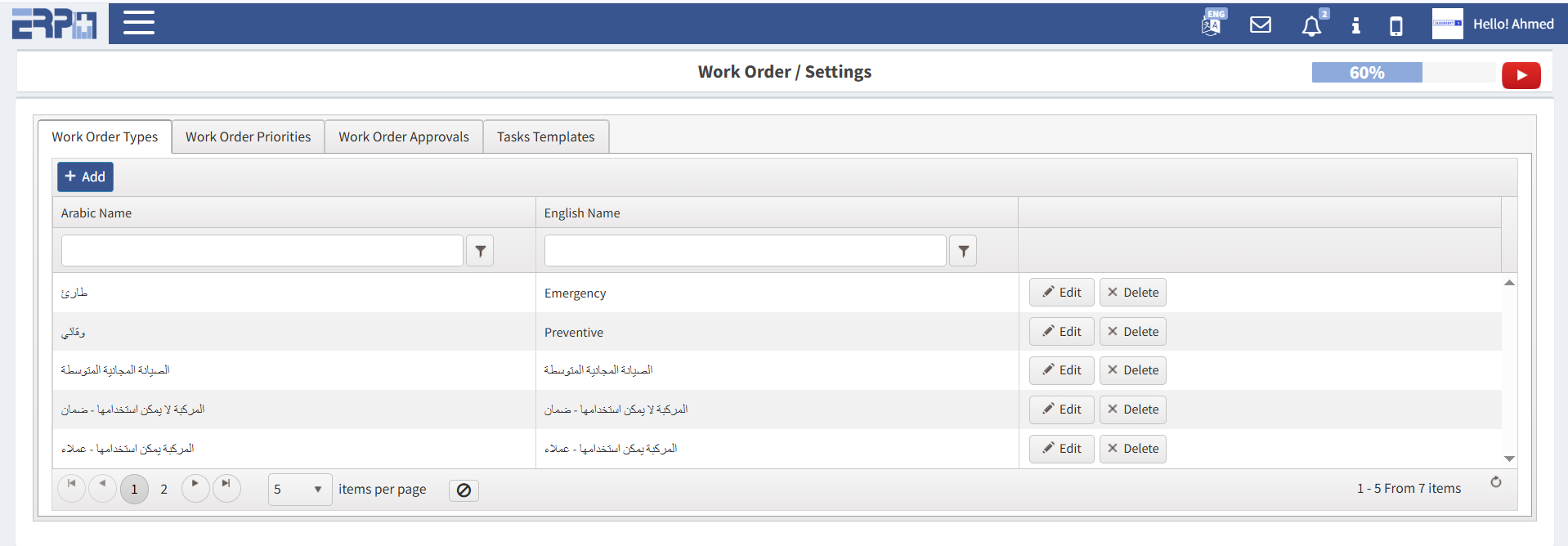
Ability to tag orders by type (Repair, Preventive, Emergency) and set urgency levels (Low, Medium, High, Critical).
Real-time progress updates such as Open, In Progress, On Hold, Pending Parts, and Completed.
Rich text fields for explaining the problem, including the ability to attach photos, videos, or PDFs of manuals.
Assign tasks to specific individuals or teams based on skill set or availability.
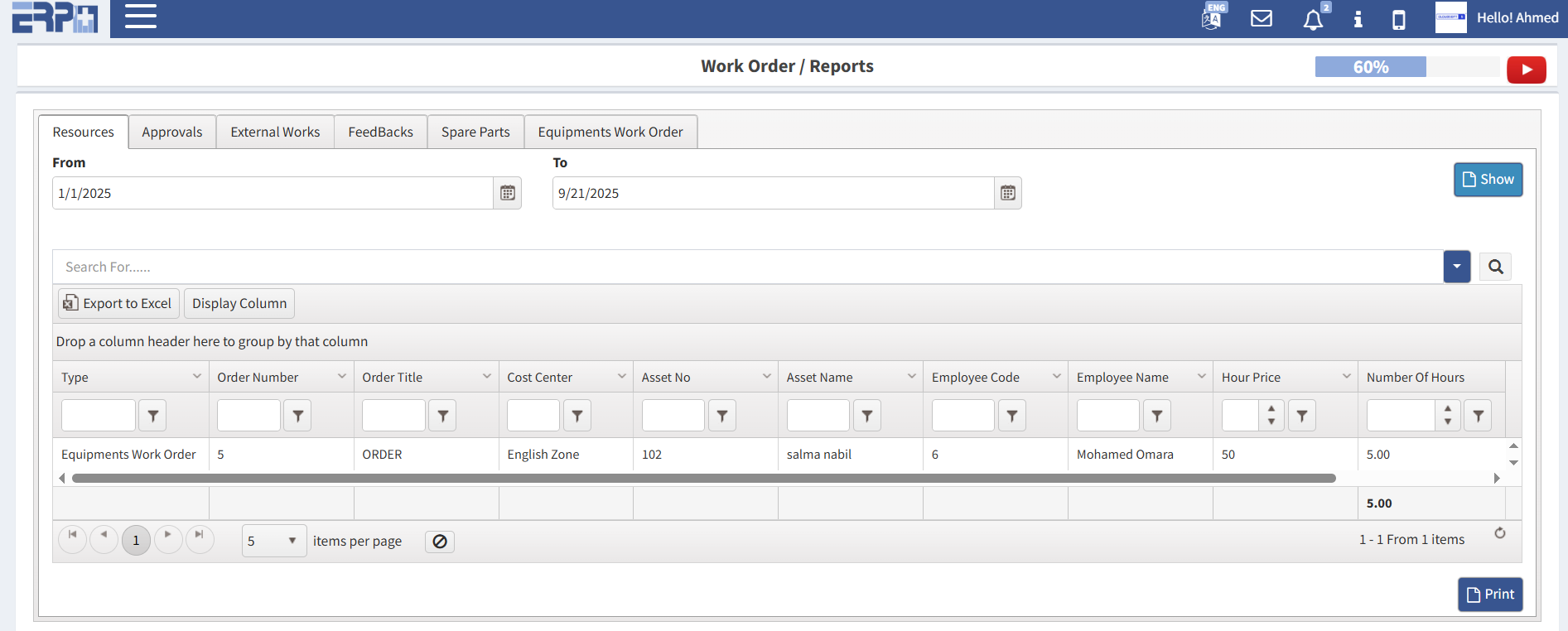
A built-in timer or manual log for technicians to record exactly how many hours were spent on a job.
Step-by-step "To-Do" lists within the work order to ensure standard operating procedures (SOPs) are followed.
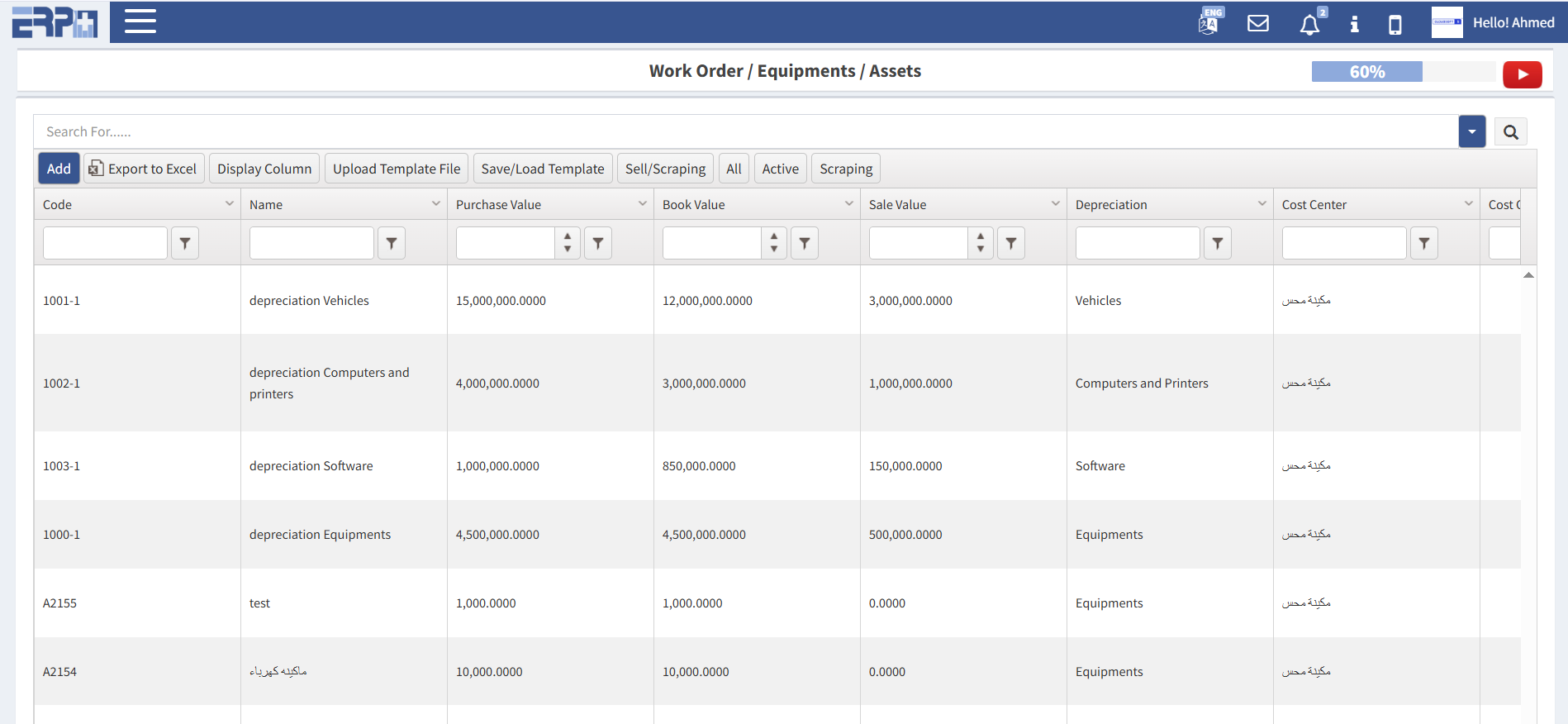
Connect the work order to a specific piece of equipment or location using QR codes or barcodes.
Track which parts were used from inventory to automatically calculate costs and trigger reorder points.
Quick access to the last time that specific asset was serviced to identify recurring issues.
Email or push alerts for technicians when assigned a task, and for managers when a task is overdue.
Capture electronic signatures from clients or supervisors directly on a mobile device upon completion.
A communication log for technicians to leave "field notes" about what they discovered during the repair.
Video Demo
Module Screenshots